Structure · Aesthetary Original
Navigation, links and the next step on every page
You'll be able to plan the menu, keep the main action in reach on phones, link pages and give each one next step.
In this skill
Keep the menu to what most visitors need.
Plan the menu, the action at every width, the links, and one next step.
Transcript
The site plan says which pages exist. This decides how people move between them: what sits in the main menu, how the one action stays in reach, and where each page sends people next.
My strategy draft planned seven menu items, with one rule I'd keep anywhere: don't overload the main navigation. The ticket button has to stand apart from the links. The built homepage has five links, each jumping to a section, and the ticket button set apart on the right. Write that into the plan, in the words the menu actually uses.
Then keep the one action in reach at every width. The draft says phones must keep immediate access to tickets. On a phone, the header shrinks to the logo and the menu, because the hero's ticket button sits right under it. Scroll past the hero, and a ticket button stays pinned to the bottom of the screen. That goes in the plan too, so whoever builds the next page keeps it.
Next, the links between pages. They follow the visitor's next question. Someone reading about a speaker wants their session, and the year they spoke. Someone watching a talk wants the speaker and the year. Most of those pages aren't built yet. Write the links into the plan anyway, so each new page arrives already connected.
Last, give every page one main next step, so nobody reaches the bottom with nowhere to go. One, not five. A page that offers everything asks for nothing.
Keep the menu to what most visitors need, keep the one action in reach at every width, link pages the way questions follow each other, and end every page with one next step.
Next 4
Everything in Structure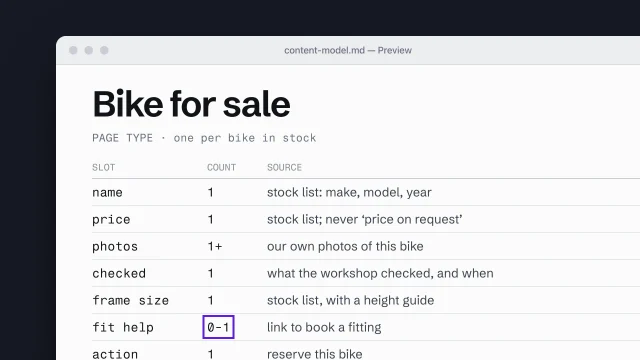 Build a content model from page types and slotsDescribe each page type as the content slots it must hold.4 min video
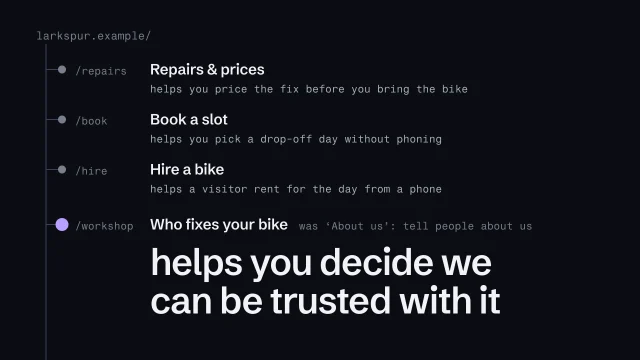 Build a sitemap where every page has one jobOrganize a site so each page has a clear purpose and a name visitors understand.4 min video
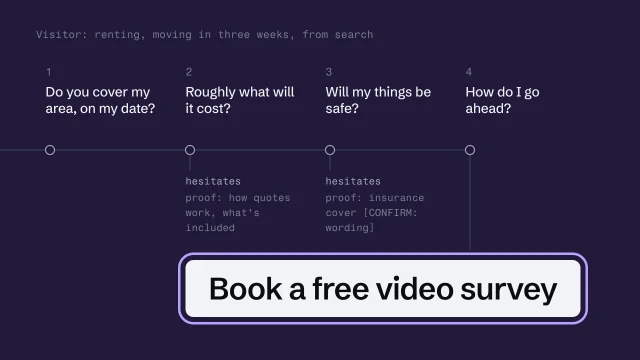 Design the visitor's path to an honest next stepUnderstand what a visitor needs, decide the legitimate next action, and design the path to it without manipulation.4 min video
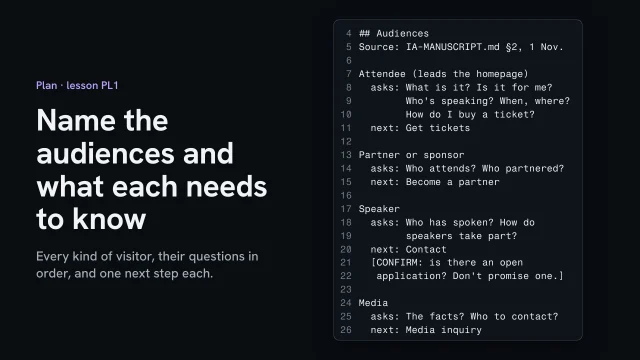 Name the audiences and what each needs to knowList every kind of visitor, their questions in the order they ask, and one next step each.2 min video