Structure · Aesthetary Original
Build a sitemap where every page has one job
You'll be able to lay out a site so every page does one job, under a name visitors recognize.
In this skill
Every page exists because one visitor needs one thing from it.
Read the sentences side by side
- Same job twicemerge them
- Two jobssplit, or choose
- No visitor in itquestion it
- No next stepa dead end
If you can't say a page's job in one sentence, it isn't a page yet.
3 more scenes are in the video and the transcript.
Transcript
Most sitemaps start as five words. Home, About, Services, Blog, Contact. Nobody decided on those five. They were copied from every other site in the category, and they say nothing about what this business's visitors need.
A sitemap is the set of decisions about which pages exist and why. I mean the plan of pages you design from. The XML file for search engines is a separate job. The test for every page is one question: what does a visitor come here to get done? If the answer's vague, the page will be vague, and so will everything written for it. Fixing that now costs you a line of text. Fixing it after the build means rewriting whatever sits on the page.
You don't have to start from nothing. A blueprint for a kind of site gives you a starting list. Here's one for a local food shop, which fits the bakery we've been following. But a starting list isn't a plan. Every page on it has to earn its place, with one sentence in this shape: this page helps someone decide or do something, so they can take a next step. Today's bread helps a regular see what's baked today and what's left, so they order before it sells out. That sentence commits you to a person, a decision, and the page's main action, before anyone has drawn a button.
Once every page has a sentence, read them side by side. They start arguing with each other, which is the point. Wholesale's sentence turns out to be Contact's sentence: someone with a question, here a café. Same job twice means one page, so wholesale becomes a short section on Contact. Cakes can't be ordered online at launch, so a cake page has no next step. It's cut for now.
Then name the pages. A label is a promise about what's behind it, so write it in the words visitors use. The bakery's regulars don't say products. They ask what bread there is today. So Products becomes Today's bread, and Location and hours becomes Visit. A quick test: show someone the label on its own and ask what they expect behind it. If they guess wrong, the label is wrong. And skip the clever names. Every clever label makes a visitor stop and decode it.
This is the plan I hand on, as a tree. Group the pages by what visitors are trying to do, never by how the business is organized inside. The main navigation holds what most visitors need: today's bread, ordering, the visit details, and the page for someone new. The footer repeats Visit and Contact on every page, because someone stuck on any page needs them. Each line is the address, the label and the job. It's short, and every line can be argued with.
Last, check it against the visitor journey you mapped in strategy. Take one path and walk it. A regular lands on Home, goes to Today's bread, then to Order ahead, and places her order. Then she wonders how early she can collect. On the day this plan was written, nobody knew. So it's marked as an open question, not guessed. The owner answered three days later: seven o'clock. Then walk it the other way. A page no path reaches gets cut, or folded into one that's on a path.
This matters more when an AI agent is doing the writing. Hand it a page called About and it'll produce the average About page: founded in, passionate about, committed to quality. Hand it the job sentence and it has something to aim at. The sitemap is one of the first files the agent reads, so vagueness here spreads into every page after it.
If you can't say a page's job in one sentence, it isn't a page yet. Write the sentence, then the label, then walk a visitor through it.
Next 4
Everything in Structure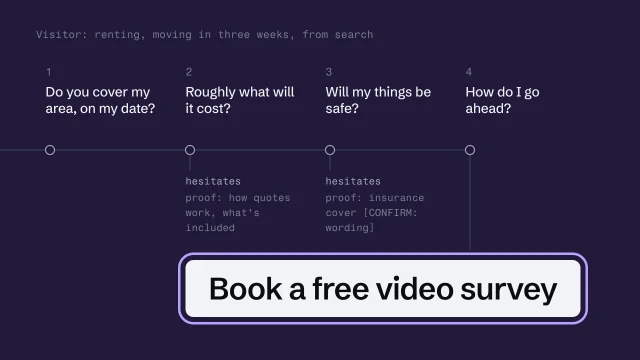 Design the visitor's path to an honest next stepUnderstand what a visitor needs, decide the legitimate next action, and design the path to it without manipulation.4 min video
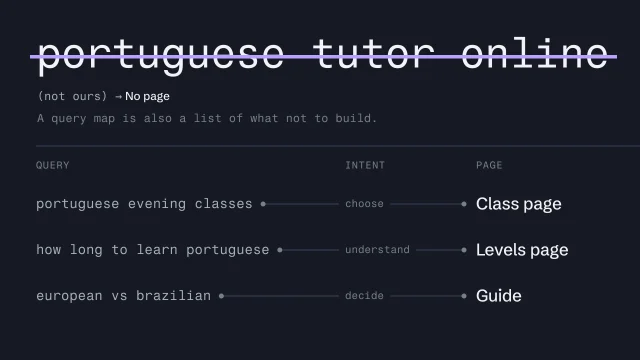 Let search intent shape the siteTurn what people search for into the pages a site needs.4 min video
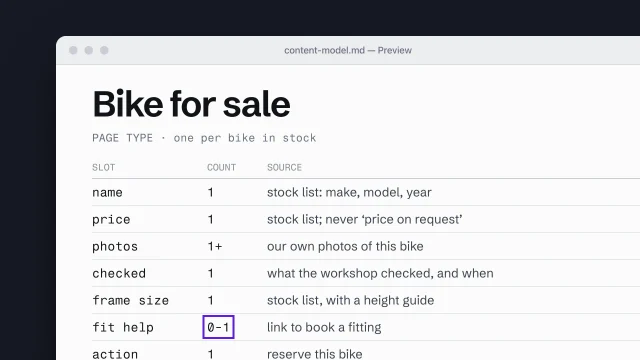 Build a content model from page types and slotsDescribe each page type as the content slots it must hold.4 min video
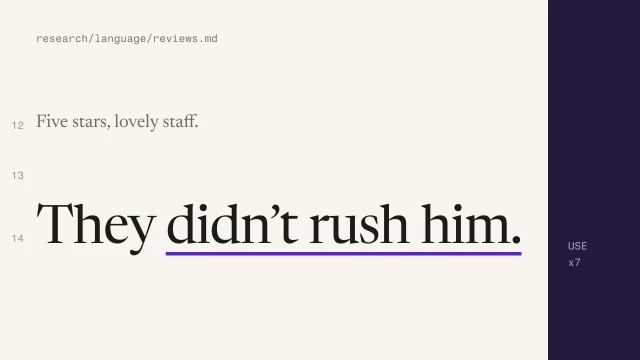 Mine customer language from reviewsFind the words customers actually use, and keep them.3 min video