Research · Aesthetary Original
Check image rights and use AI imagery honestly
You'll know which images you may put on a client's site, and how to use generated images without letting them pass as real.
In this skill
Every image needs two answers: who made it, and who allowed it.
- Found through an image search
- Old site, photographer unknown
- Customer's social media photo
- Don't use it
- Ask the client who shot it
- Ask them, or leave it out
If an image presents something as real, it has to be real.
The mechanics, from the source
These come from the organizations that make the tools. They teach how the tool works; the skill above is about when and why to use it.
Official resource · Creative CommonsOfficial documentation · Guide
About CC LicensesGuide · 8 min read
The six Creative Commons licenses and what BY, SA, NC and ND allow.
Transcript
Every image on a client's site is a decision about rights and about truth. Make both on purpose.
Images are where small sites get into trouble quietly. The client sends a folder, the old site has a gallery, the agent finds a perfect photo online, and three months later nobody knows which is which. Before an image goes into a design, it needs two answers: who made it, and who gave permission to use it here. If you can't answer both, you don't know whether you can use it.
Add images to your source inventory with their own fields. Where it came from: the client's folder, the old site, a stock library, a generator. Who made it: a photographer, a member of staff, a customer. What permission exists, and where it's written: a license, an invoice, an email. And who's in it, because a recognizable person raises questions only the client can answer. 'The client sent it' tells you where it came from, not who owns it. Paid stock counts too: keep the license or receipt with the image, because its terms are your permission.
When rights are unclear, you have three moves: find out, replace it, or leave it out. An image found through search is out unless you can trace it to a license. A photo from the old site goes on the client's question list: who took it, and on what terms? A customer's photo of their order is lovely, and it's theirs. Ask them, or don't use it. Unclear doesn't turn into yes because the deadline is close. If the client insists an image is theirs to use, get that in writing and keep the email with the image.
Licenses have an official teacher, and it isn't me. Creative Commons explains its six licenses, and every one of the six requires credit to the creator. If a license includes NC, non-commercial, check whether a business website fits before you rely on it. The link is with this lesson. I'm not a lawyer, and when money or a dispute is involved, the client should ask one.
Now generated images. They have a place: texture, atmosphere, a concept for a client to react to. But a generated image is never evidence. It doesn't show the real shop, the real team, the real product or a real result. A generated 'our workshop' picture is a false claim, made with pixels instead of words. The same goes for editing a real photo until it shows something that didn't happen: a fuller room, a product that doesn't exist yet.
Write it down as a short policy in the project, and agree it with the client. Allowed uses. Never-uses, named concretely for this business: the shop, the staff, the bread, the customers. And a provenance record for each generated image: which tool, when, the prompt, and who approved it. Check the generator's own terms as well, since they govern what you may do with its output. Months later, when a client asks where a picture came from, the record is your answer.
The two halves meet in one test. For every image in the design, ask what a visitor will believe it shows. If they'll believe it's the business, it has to be the business, photographed with permission. If it's decoration, the context has to make that obvious. And if you can't tell where an image came from, it doesn't go on the page. Write the answer next to each image in the inventory before you send anything.
If an image presents something as real, it has to be real.
Next 4
Everything in Research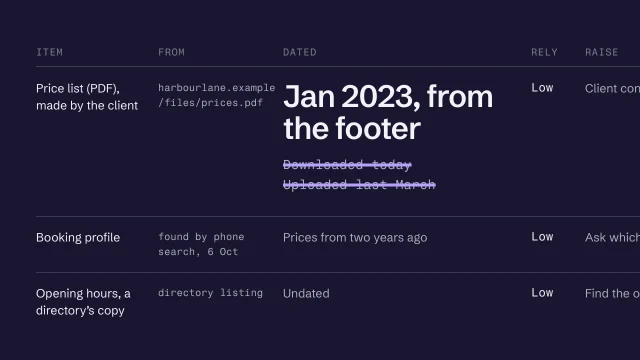 Build a source inventory you can trustTurn a harvest into an inventory where every item has a source and a date.3 min video
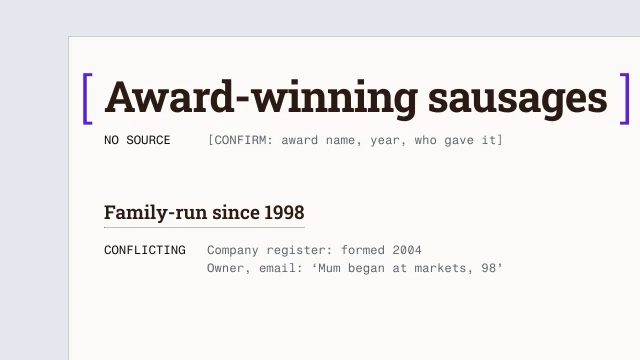 Map every claim to its sourceGive every claim on a site a truth status and a source before it's published.3 min video
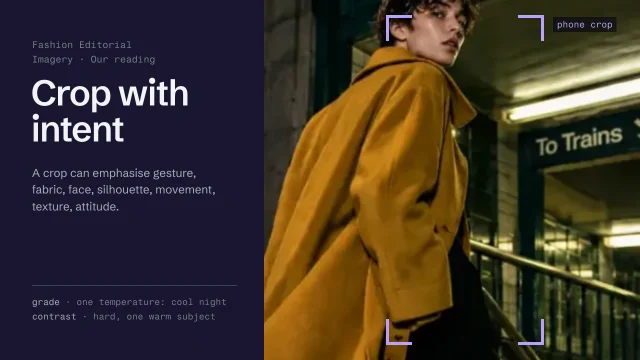 Direct imagery: subject, crop and gradeChoose and treat images so they say what the page says.4 min video
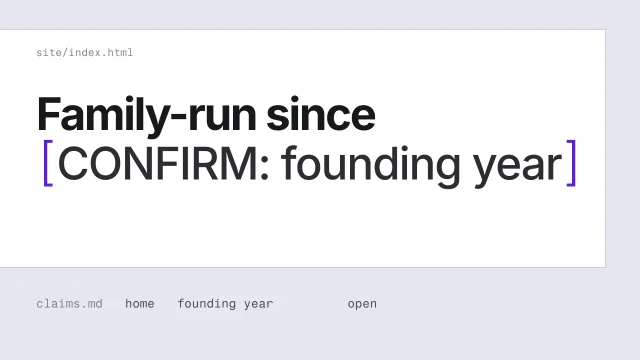 Never invent a factHandle a fact you can't confirm without putting a believable guess on the page.3 min video