Prepare · Aesthetary Original
Check AI-written code when you can't read code
You'll be able to check an agent's change with tests, a scan and approved screenshots, without reading its code.
In this skill
Write your decisions down as tests.
Add a scan and approved screenshots
- Scan one page of each type
- Log known failures, with reasons
- Screenshot two pages, two widths
- Run once to save them
- Look at each, then approve it
- You asked for this change
- You looked at the picture
- Every decision still passes
- A decision changed
- The scan found something new
- Something moved unasked
Pin decisions as tests, scan, approve screenshots. Then every change is checked.
Transcript
An agent changed the bakery's site and says it's done. You can't read the code it wrote, and you shouldn't have to. You can check its work with things that don't take its word for it: tests that hold your decisions, an accessibility scan, and screenshots you've approved.
Before the agent starts, write down the decisions the site must keep, in plain sentences. Home has one button, and it says Order ahead. Pickup only: no page offers delivery. Every page says the bakery is fictional. Then ask the agent to turn each sentence into a test, with the sentence as its name. You don't need to read the code inside. Check that each name says your decision, word for word.
Add an accessibility scan of one page of each type. It finds one thing already: the sold-out loaf, gray at three point six six to one, logged before with its reason. That stays listed as known, and anything new fails. Then screenshots of Home and the order page, at three seventy-five and twelve eighty. Run everything once. Nine checks pass. The four screenshots fail, because there's nothing to compare them with yet, so each one is saved. Open each one and look at it the way the owner would. If it's right, commit it. That's approving it: from now on, that picture is what the page should look like.
Now the change from the start: make the Order ahead button on Home stand out more. For this lesson, I wrote the agent's change so the checks have something to catch. The checks and their results are real. Run the same command. Eight of thirteen checks fail, and you didn't read a line of code to find that out.
The pinned test says the button no longer says Order ahead. That was a decision, so it's not the agent's to change. The scan says white text on the new green is four point two four to one, under the four point five that text this size needs. And it's on three pages, not one. The screenshots show what moved, in red. On Home, that's the button you asked about. On the order page, Place order changed too, because both buttons share one style. You didn't ask for that.
So send it back. Throw away its first try, and say exactly what has to stay: the label, the green, and the order page as it is. Run the checks again. Eleven pass. Only the two Home screenshots differ, and the order page hasn't moved. That difference is the change you asked for. Look at the new picture, and if it's right, approve it as the new screenshot and commit. The next change gets checked against this one.
These checks catch what you pinned, what a scanner can measure, and what moved. They can't tell whether new words are true, or whether the page still makes sense. So keep looking at the page yourself, and add each new decision as you make it.
Pin your decisions as tests, scan each kind of page, and approve the screenshots you've looked at. Then an agent's change is checked by something other than the agent.
Next 3
Everything in Prepare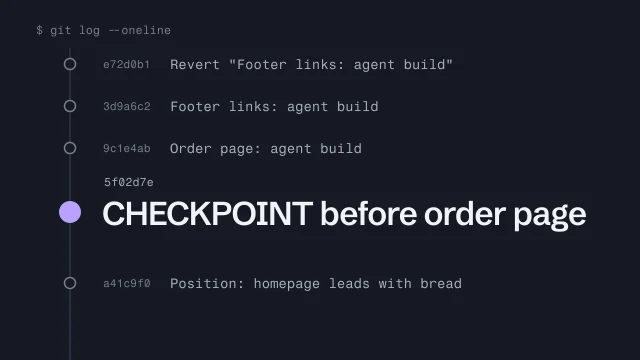 Use Git as a checkpoint before an AI agent changes your buildMake a save point before an agent touches your work, and get back to it.4 min video
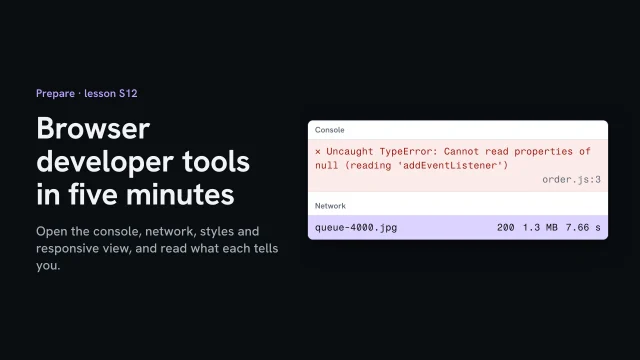 Browser developer tools in five minutesOpen the console, network, styles and responsive view, and read what each tells you.4 min video
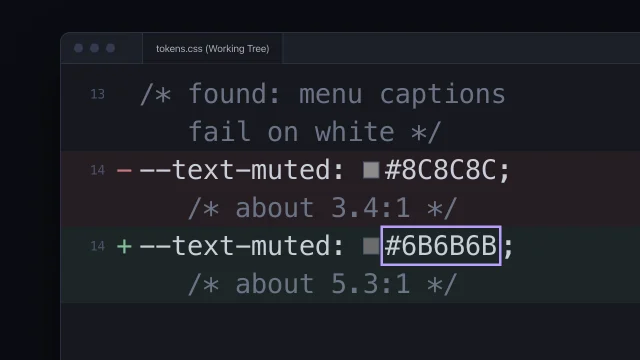 Fix accessibility at the sourceFix an accessibility failure where it starts, not with a patch on top.5 min video