Prepare · Aesthetary Original
Use Git as a checkpoint before an AI agent changes your build
You'll be able to make a save point before an agent touches your site, and get back to it when the change goes wrong.
In this skill
A commit is a save point you named yourself.
The checkpoint routine
- Check nothing is uncommitted
- Commit a named checkpoint
- Agent works, then commits
- Review the agent's commit
- Keep it, or revert it
Commit before the agent starts. Then every change is one you can take back.
1 more scene is in the video and the transcript.
The mechanics, from the source
These come from the organizations that make the tools. They teach how the tool works; the skill above is about when and why to use it.
-
It loads from YouTube, through youtube-nocookie.com, when you press play.
Official resource · GitHubOfficial documentation · Video
How to create your first GitHub repositoryVideo · 9:31
Creating your first repository on GitHub, step by step.
Official resource · GitHubOfficial documentation · Documentation
Reverting a commit in GitHub DesktopDocs · 1 min read
Undoing a commit in GitHub Desktop: a revert is a new commit and history stays intact.
Transcript
An agent can change forty files before your tea's gone cold. Afterwards there's one question that matters. Can you get back to where you were?
Git does a lot. To start with, you need one part of it: the commit. A commit is a snapshot of every file in your project, at a moment you chose, with a message you wrote. That's your save point. Here it is on a real project: the site for the course's fictional bakery, with a terminal on one side and the site in a browser on the other.
Here's the routine, every time an agent is about to change the build. Check that nothing is uncommitted. Commit, with a message that says where you are. Let the agent work, and ask it to commit its changes as one commit when it's done. Then review that commit before you believe a word of the summary. If it's right, keep it. If it isn't, revert it.
First, check that nothing is waiting to be saved. Git status lists what's changed since the last save. Here, it's the Visit page, where I've just added the Sunday hours. So save it, with a message that says where you are. This is the checkpoint: everything as it is right now, before the agent starts on the order page. Run git status again. Nothing to commit. The working tree is clean, so whatever happens next can be undone.
The agent builds the order page and commits it on its own. In this demo its edits are scripted, so they're the same every time. In the browser, the new page works. Then it changes the footer, again as its own commit. Reload the home page. Visit has gone, and Order appears twice. Follow the old link to the Visit page, and there's nothing there.
Reviewing doesn't mean reading every line of code. Ask the agent for the list of files it changed, or look at the commit yourself. Does each file make sense for the task? Was anything deleted that you didn't ask to delete? Then open the page and look at it. If you can't explain why a file changed, you haven't finished reviewing.
So look at what that footer commit actually did. Git show, with stat and summary, lists every file it touched. Five pages changed, which you'd expect for a footer. And one line says delete mode, visit dot html. Nobody asked for that.
Going back is less frightening than it sounds. Git revert makes a new commit that takes the footer change out, and the original stays in the history. So reverting destroys nothing. Going back this way is exact. Asking the agent to tidy up by hand is another round of changes you'd have to check. Reload. The footer is back. The Visit page opens again, with the new Sunday hours from the checkpoint. And the order page is still there, because it was its own commit.
Now read the history from the bottom. The homepage. The checkpoint, so I know exactly what to return to. The agent's order page, reviewed and kept. The footer change, and its revert. Now picture forty commits all called update. When something breaks, you'd be scrolling through them trying to remember which one was safe.
Many AI tools have their own rewind or undo. It's good for a quick step back inside a session. But check what yours covers: some don't track files changed by commands, and their snapshots aren't kept for ever. A commit covers every file, however it changed, and stays in your history. So commit anyway.
Commit before the agent starts. Then every change is one you can take back.
Next 3
Everything in Prepare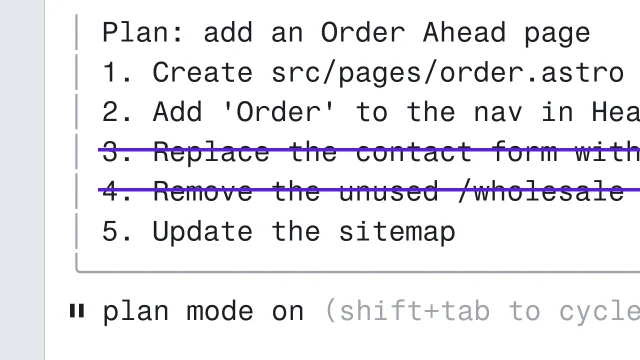 Steer a coding agent with plan mode and EscCheck which mode Claude Code or Codex is in, and strike any plan step you never asked for.3 min video
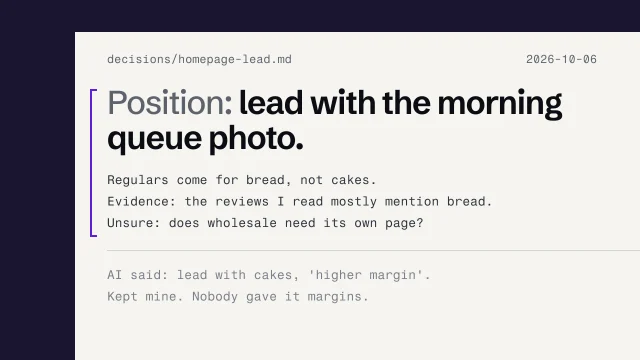 Decide first, then ask the AIPut your own answer in a file before any AI sees the question, then compare the two.3 min video
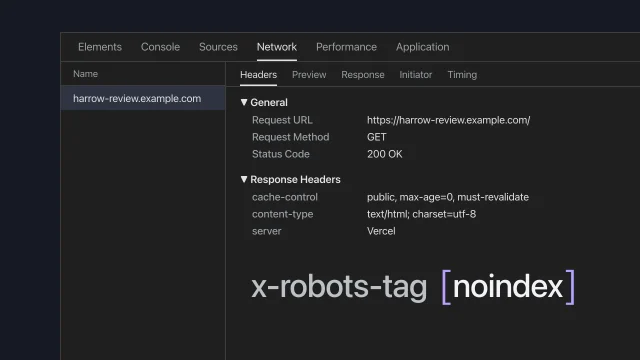 Put the review build onlineShare a draft site without search engines finding it.5 min video