Prepare · Aesthetary Original
Keep secrets out of chats, repositories, files and deployments
You'll be able to keep keys and private files out of AI chats, Git, uploads and the live site, and replace a key that gets out.
In this skill
Paste the error, never the key.
When a key gets out
- Make a new key
- Put it in the host's settings
- Turn the old key off
- Check the old key is refused
- Write down what happened
Keep keys and private files out of every copy, and replace any key that gets out.
Transcript
The bakery's order form now uses a key, a password that lets the site's server talk to the form service. Anyone who has it can send as the bakery. Keys and private notes get out four ways: AI chats, the repository and its history, the files you upload, and the settings on the live site.
Here's the first way. Orders are failing, and you're about to paste the whole settings file into an AI chat. Stop. A chat keeps what you send on someone else's servers, and you can't take it back. Send the error and the setting's name instead. The AI doesn't need the value to help. The same goes for screenshots, logs and the owner's emails.
In the project, the key lives in one file, dot env, and the server reads it by name. The code is clean, but Git will save that file with everything else. Git status lists it, with the notes folder, waiting to be added. Add both to the gitignore file before your first commit, and check again: they're gone, and check-ignore names the line that hides each. Commit a dot env example with the names and no values, so the next person knows what to set.
Now the one that catches people. Try it with a test key: one commit put it straight into the page script, and the next took it out. The file looks clean. But Git keeps every version: search the history for the key, and both commits come back, with the key still in the old file. Once that history is pushed, assume someone has a copy. You can rewrite history, but you can't recall copies, so treat the key as leaked and replace it.
The gitignore file protects the repository, not the upload. Deploy the whole project folder, and the host serves everything in it: the owner's emails, and the key. So deploy from a list. A short build step copies only the files named in site files into one folder, and only that folder goes online. A file you add later stays private until you list it. Ask for the notes and the dot env file again: four-oh-four, both.
That's also why a form works on your computer and fails live. The dot env file never left your machine, so the live server starts without the key. Put it in the host's settings, where the server reads it when it starts, and the same order goes through. Build-time settings are different again. Some build steps write any setting marked public into the files they make, so it ships to every visitor. Fine for a site address, never for a key. Search the built folder for the key: after a clean build, nothing.
When a key has been in a chat, a commit or a public file, don't guess who saw it. Replace it. Make a new key at the service, put it in the host's settings, then turn the old one off. Here the service is a local stand-in. Then prove it. The old key is refused, the new one is accepted, and a test order goes through. Then write down which key, where it was exposed, when you replaced it, and how you checked. Checking the finished page for keys is in the review build and pre-send gate lessons.
A key is safe in one place: the settings of the server that uses it. Keep it out of chats, history and uploads, and replace any key that gets out.
Next 4
Everything in Prepare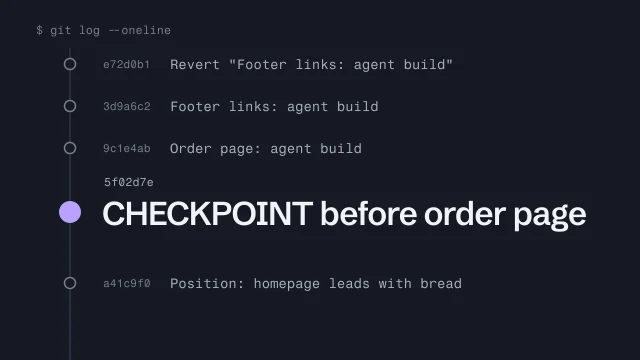 Use Git as a checkpoint before an AI agent changes your buildMake a save point before an agent touches your work, and get back to it.4 min video
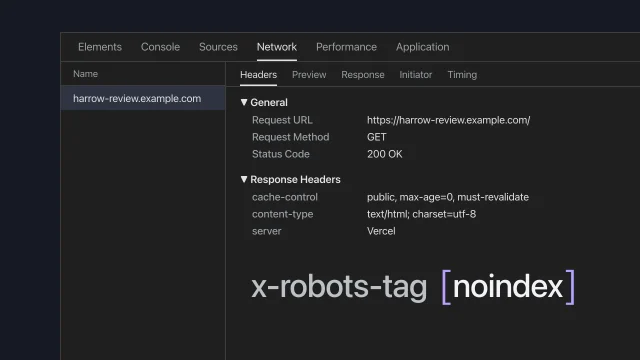 Put the review build onlineShare a draft site without search engines finding it.5 min video
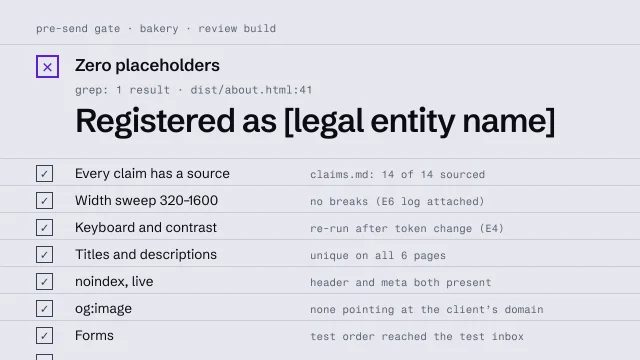 Run a pre-send gateCheck a build against a fixed list before anyone outside sees it.4 min video
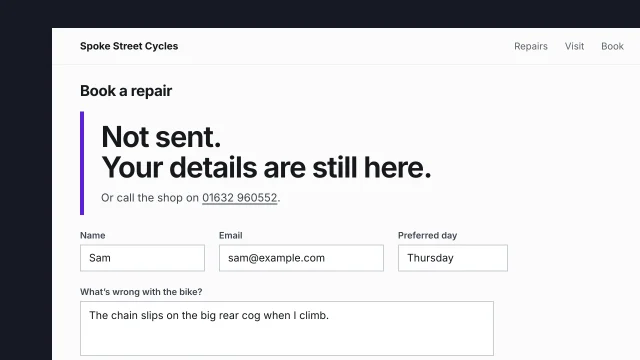 Design forms for when things go wrongDesign a form that tells the truth when it fails.3 min video