Build · Aesthetary Original
Design forms for when things go wrong
You'll be able to make an order form deliver through your own server, keep its key secret, and never say sent when it wasn't.
In this skill
A thank-you is a claim that the order arrived.
- Invalid input
- Error 422
- This field is required
- Something went wrong
- Email needs an @
- Choose at least one loaf
- Enter your name
- Not sent. Details still here
Say sent only when the order arrived, and keep the key and the address on the server.
1 more scene is in the video and the transcript.
The mechanics, from the source
These come from the organizations that make the tools. They teach how the tool works; the skill above is about when and why to use it.
Official resource · W3C WAIStandard · Guide
Forms: User NotificationTutorial · 11 min read
Writing form error messages people can find, read and act on.
Transcript
The bakery's order form looks finished. You choose a loaf, fill in your name and email, press Place order, and it says thank you. This lesson asks whether the order actually reached the shop, and what the customer sees when it didn't.
Here's the first version an AI wrote. The thank-you is wired to the button press, so it appears whatever happens next. Switch the connection off and press Place order. It still says your order is in. The inbox is empty. The customer turns up at seven for bread nobody baked.
So list the failures before the happy path. A field left empty. An email without the at sign. No loaf chosen. The connection dropping, or the server refusing. The customer pressing twice because nothing seemed to happen. Each one gets its message now, before anything is built.
Messages that blame say invalid input. Messages that help name the field and the fix. Email needs an at sign, like sam at example dot com. W3C's forms tutorial puts them in two places: next to each field, and in a list above the form that links to each one. Keep everything the customer typed, and never use red alone.
Now make it deliver. The page doesn't send email. It posts the order to a small function on your own server. The email service's key comes from the host's settings, and the address it sends to is written into the function. Here the email service is a local stand-in that writes each message to an inbox file, so nothing real is sent. Try to point it at a stranger with an extra to field: the order still goes to the shop, because the function never reads it. And the page source has no key in it. Spam bots fill in every field, so add one people never see. When it comes back filled in, the function drops the order and still answers ok, so the bot learns nothing.
On the page, the thank-you moves to the end. The button locks and says sending, which also stops a double order. The success message is reached only when the server answers yes, and the server says yes only after the inbox has the order. Anything else shows the honest message, with the shop's phone number.
Then break it on purpose, the way customers will. Send it empty, then get each field wrong once. Switch the browser offline and send. The honest message appears, and everything you typed is still there. Press Place order twice, fast. The button says sending and ignores the second press. Then open the inbox. The test order is there, once. Until you've seen it there, the form isn't finished.
A thank-you is a claim that the order arrived. Send it through your own server, keep the key and the address there, and say sent only when it was.
Next 4
Everything in Build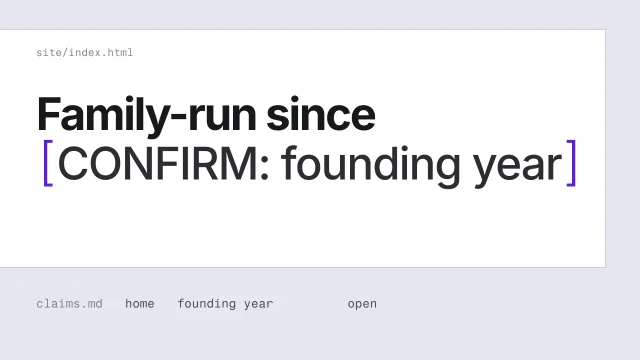 Never invent a factHandle a fact you can't confirm without putting a believable guess on the page.3 min video
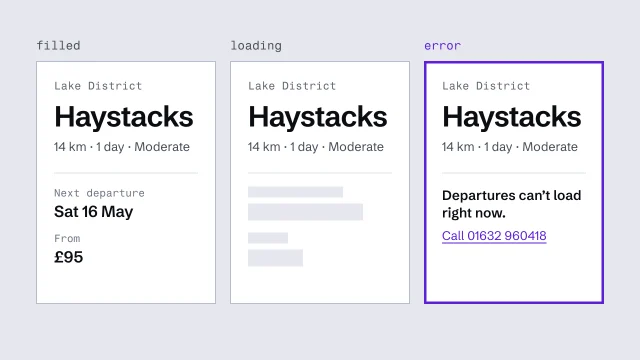 Build components from content slots, with every stateDerive components from the content model and finish every state they can be in.3 min video
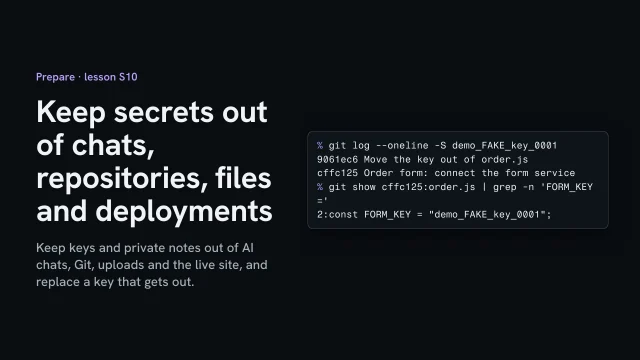 Keep secrets out of chats, repositories, files and deploymentsKeep keys and private notes out of AI chats, Git, uploads and the live site, and replace a key that gets out.3 min video
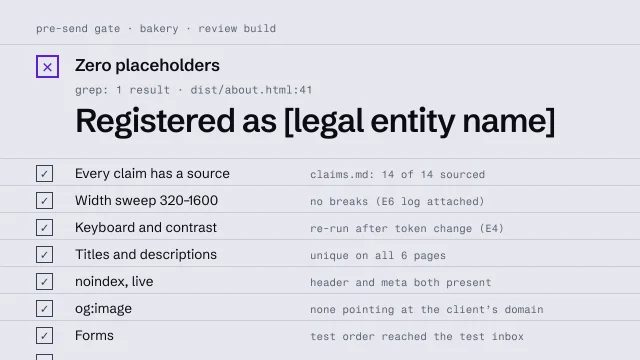 Run a pre-send gateCheck a build against a fixed list before anyone outside sees it.4 min video