Research · Aesthetary Original
Number every image on one contact sheet
You'll put every image on one sheet, then give each one you might use a numbered row with its source and permission.
In this skill
Every image, one sheet
One numbered row per image
- A number that never changes
- Where from, where used
- Who made it, may you use it
- Keep or cut, and the slot
Every image on one sheet; a numbered row for each you might use.
Transcript
A harvest leaves you with hundreds of images, spread over pages and folders. Before you design with any of them, put every one on one sheet, where you can see it, count it and decide about it. Here's AllWeb's, made on the fifth of October. The photos are blurred in this video, because they show real people.
It has two parts. Everything the live site shows: 128 images, and 113 of them have no text alternative. Then the whole media library: 430 images, and most of them never reach a page. Each image carries what you'll need to decide about it: its file name, its size, how many pages use it, and whether it has a text alternative. Click one, and the original opens on the live site.
Then give each image you might use a row of your own, with a number that never changes. Where it came from, and where it's used. Who made it, and whether you may use it. For this event photo the photographer isn't stated, so that's a question to ask, not a yes. Keep or cut, and the slot it would fill, you settle in Design. The sheet stays in the project folder as a page of links to the originals, with a PDF copy, and your worksheet records its path. Keep both. You'll use them again on the next site.
Put every image on one sheet with its source, size, pages and alt text. Then give each one you might use a numbered row: who made it, whether you may use it, and where it would go.
Next 3
Everything in Research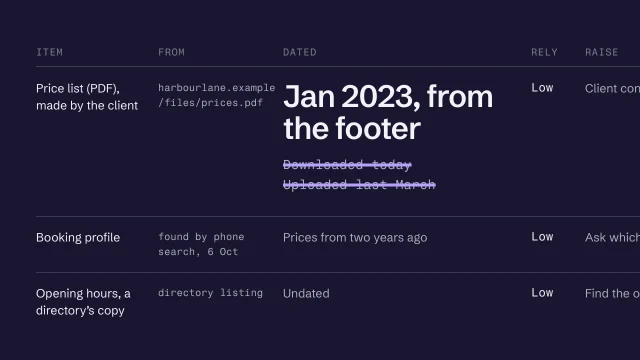 Build a source inventory you can trustTurn a harvest into an inventory where every item has a source and a date.3 min video
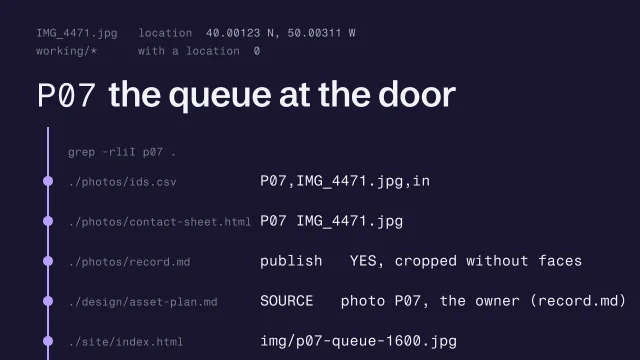 Get the client's photos, numbered and intactGet the originals, take out the location, note who is in each, and number them for good.3 min video
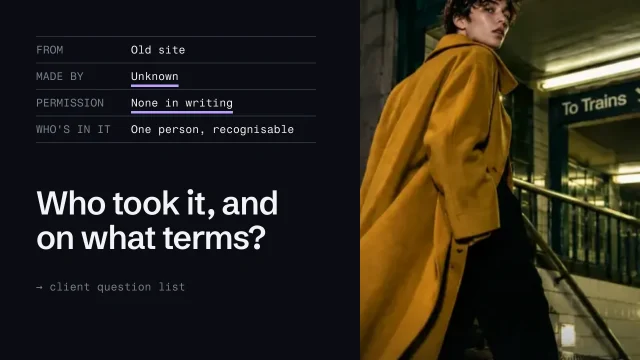 Check image rights and use AI imagery honestlyKnow which images you may use, and use generated images without misleading anyone.4 min video