Prepare · Aesthetary Original
Save a version before every change, and go back
You'll save a named version before a change, and go back to it once, on purpose.
In this skill
Name it for what works
Save, change, look, decide
- Save a version, named
- Let the AI change it
- Look at the result
- Keep it, or go back
Save before every change, name it for what works, go back once.
Transcript
Before an AI changes anything in your project, save a version you can go back to. Then let it work, look at the result, and keep it or go back. Here's that habit on the AllWeb project folder from the last lesson.
The simplest save point works with any tool: a dated copy of the whole folder, named for what works. To go back, you open the copy. The build phase uses version control, so start it here. Keep secrets out from the very first save. Then make the folder a repository and save every file, with a message that says what works right now. Now a change. Here it stands in for an AI's edit: the hero headline swapped for an earlier line I'd considered, ideas worth leaving your screen for. Git status shows the one file that changed. Look at it in the preview before you decide. It works. But I chose the current line over this one in October, and seeing it again doesn't change my mind. So go back. Going back takes one command, and it undoes only what changed since the save. Git status is clean, and the reloaded page matches the saved version exactly.
Do that once on purpose, now, so you know it works before you need it. And name every save point for what works, not update. Three changes later, homepage works tells you where to go back to. The lesson on Git checkpoints shows the full routine when an agent saves its own work.
Save a version before every AI change, and name it for what works. Look at the result, keep it or go back, and go back once on purpose so you know you can.
Next 3
Everything in Prepare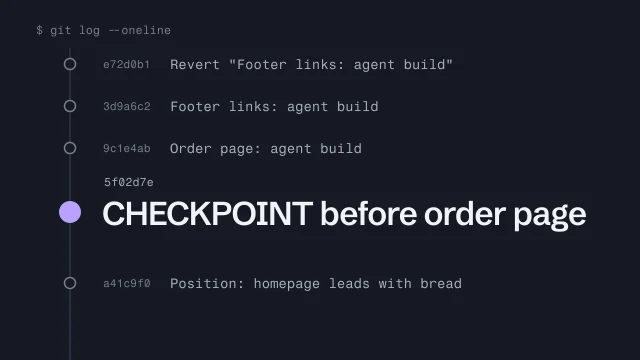 Use Git as a checkpoint before an AI agent changes your buildMake a save point before an agent touches your work, and get back to it.4 min video
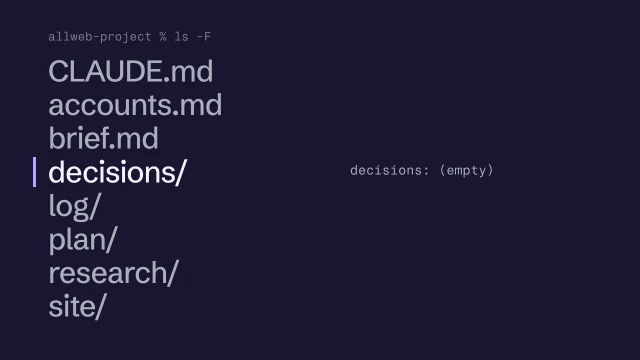 Organize the project folderGive the brief, research, plan, decisions, AI log and site one place each, with the real files in and secrets out.2 min video
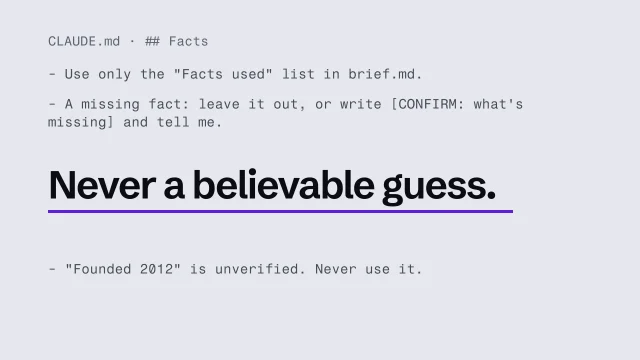 Write the instructions your AI reads every sessionWrite the short project file every AI session reads first: the job, the fact source, decisions, checks and the never list.2 min video