Improve · Aesthetary Original
Make a routine change without breaking it
You’ll make an owner’s routine change through a safe loop: save point, a written brief, preview, a full check, publish, proof.
In this skill
Start from a save point.
The safe-change loop
- Start from a save point
- Write the change down
- Preview it
- Check what depends on it
- Publish, prove it, or go back
Save first, write it down, search for what it touches, and prove it’s live.
Transcript
A small change is the one that breaks a site, because nobody is careful with something small. New Sunday hours go on the Visit page, and the home page goes on saying noon.
Hours, a price, a new loaf, a photo: every routine change goes through the same loop. Start from a save point. Write the change down. Preview it. Check everything that depends on it, not just the page you changed. Then publish and prove it’s live, or go back.
Here’s the owner’s message. Sunday hours go to one o’clock from the first of November, and she’d like a pumpkin loaf on the list. Before touching anything, check the save point. Nothing is waiting to be saved, and the last commit is the version that’s live.
Then write the change down: what changes, where it shows, how you’ll check it, and what done looks like. If an AI agent makes the change, this is its brief, and it keeps the agent from tidying anything else.
The hours live in one small file. Change the Sunday line, then build the site on your own computer. The Visit page now says eight to one.
Now the step people skip. Don’t just look at the page you changed. Search the whole built site for Sunday. The home page still says noon: its visit line was typed into the page, not read from the hours file. Nobody listed it, so it goes in the brief. Fix it at the source. The home page now reads the same hours file, so next time there’s one place to change. Build, search again, and both pages say one o’clock.
Commit it with a message that says what changed, and publish. Then prove it shipped. Open the live pages in a fresh browser, so nothing cached can fool you. The version is the commit you just made, and both pages say Sunday, eight to one.
Now the pumpkin loaf. One line in the bread list, then preview. The build stops. There’s no allergens line for that loaf from the head baker, and the site won’t print a loaf without one. So it doesn’t ship today. Go back to the save point. Git restore puts the bread list back the way it was committed, and the build passes again. If a change breaks after it’s live, the way back is the same idea: revert that commit, publish again, and check the live page.
Save first, write it down, search for what it touches, and prove it’s live.
Next 4
Everything in Improve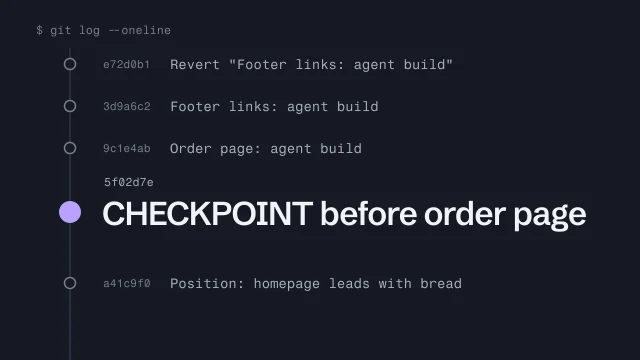 Use Git as a checkpoint before an AI agent changes your buildMake a save point before an agent touches your work, and get back to it.4 min video
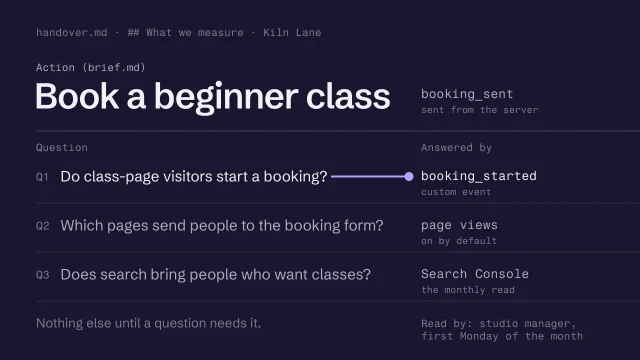 Decide what to measure before launchWrite the few questions the numbers must answer, and track only the events that answer them, with nothing personal.3 min video
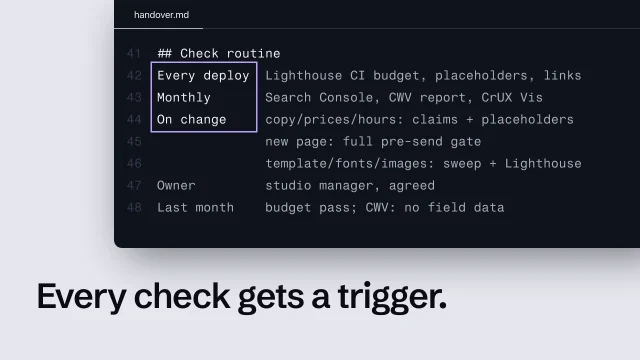 Set a post-launch check routinePut every launch check on a trigger, and know what to do when there's no field data.4 min video
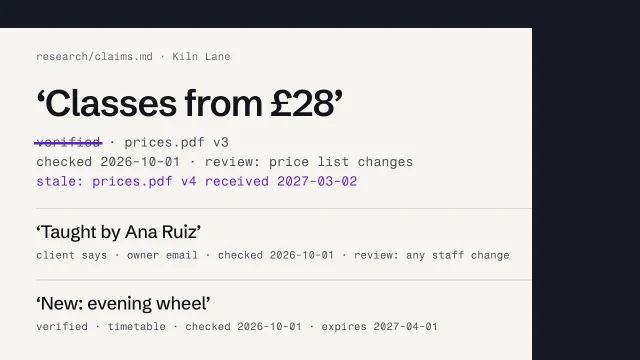 Keep content and evidence true over timeDate every claim, set what triggers its review, and mark what goes stale when a source changes.3 min video