Improve · Aesthetary Original
Back up the site and roll back a release
You'll be able to keep a checked copy of every part of a site and undo a bad release two ways.
In this skill
Two ways back from a bad release.
Undo the change itself
- Find the save that broke it
- Revert: a new save that undoes it
- Compare with the backup
- Publish the fix
Keep a checked copy of every part, and try the way back before you need it.
1 more scene is in the video and the transcript.
Transcript
A site you can't rebuild isn't backed up. So list what the site is made of, keep a copy of each part that you've actually checked, and try the way back from a bad release before you need it.
Five things make this site. The code and its history. The words: the page, the manuscript and the brief. The images, and their originals from before the grading. The domain's records, which here belong to AllWeb, not to me. And who holds each account: the host is mine, the domain is AllWeb's.
Copy each part somewhere else, and leave out the environment file, so no keys travel with it. Two hundred and fifty-nine files. Then check the copy against what's live: the page, the styles and the script are the same, byte for byte. A copy you haven't checked is a hope, not a backup.
Now the way back. The host keeps a list of deployments, newest first, and the newest production one is live. If a release goes wrong, an earlier one can be put back in front, from the host's dashboard or its command line, with no rebuild. Here I only list them. Nothing on the live site changes.
The second way: undo the change itself. On a copy under version control, the practice change is the latest save. Revert makes a new save that undoes it, so the history keeps both. Compare with the backup: the same again. The next publish would carry the fix.
Write it into the routine: each part, where its copy lives, how often, and when you last checked it. Then both ways back, and the day you tried them.
Keep a checked copy of every part, and try the way back before you need it.
Next 3
Everything in Improve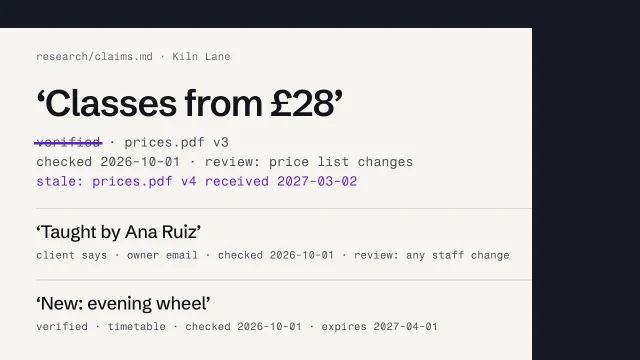 Keep content and evidence true over timeDate every claim, set what triggers its review, and mark what goes stale when a source changes.3 min video
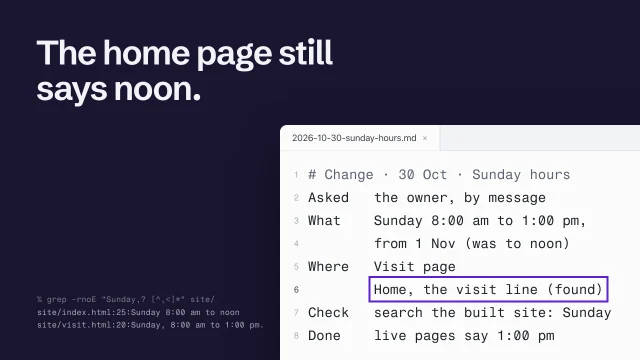 Make a routine change without breaking itSave first, write it down, check what it touches, and prove it's live.3 min video
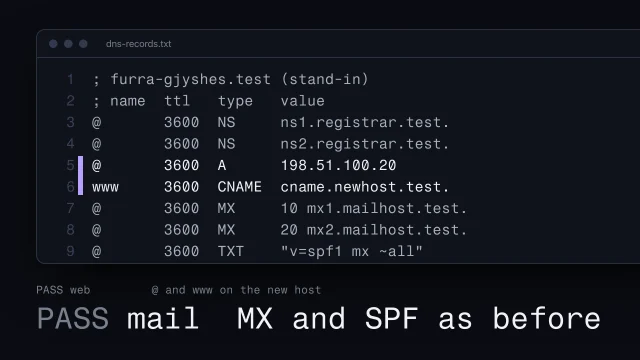 Go live without breaking anythingMove the domain to the new site, keep the shop's email working, and prove it on the live address.4 min video