Build · Aesthetary Original
Put a preview online from your project
You'll be able to deploy a preview of your site, tell it apart from production, and check what it serves.
In this skill
Decide what leaves your computer.
Deploy a preview, not production
- Link the folder once
- Deploy without the prod flag
- Read both addresses
- Check the target
Check what the address serves
- Noindex header
- Noindex in the page
- robots.txt allows crawling
- Notes and tools: not found
Deploy a preview first, open it as a stranger, and check what it serves.
1 more scene is in the video and the transcript.
Transcript
This is a speculative redesign I made for AllWeb, a conference in the capital of Albania. They didn't commission it. It runs here, on my own computer, at a local address, and nobody else can open that. To show it to anyone, it needs a place on the web, and the first place should always be a preview.
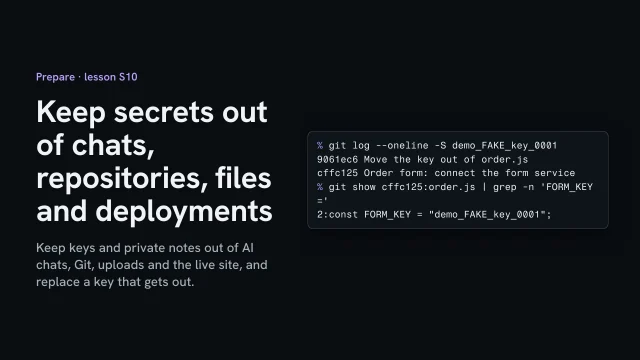
Start with what gets uploaded. The project folder holds more than the site. There's the written brief, the tools that made the images, and the original photos. An ignore file lists what stays home. The host reads it before it uploads anything. Settings files, which can hold private keys, are on it too. The lesson on secret keys explains why those never leave.
This folder is already linked to a project at my host, so one command deploys it. I leave off the production flag. The host uploads the files and prints two addresses: one to inspect the deployment, and the preview itself. Further down, the target is null and there's no production address. This deployment is a preview and nothing else. That's the difference that matters. Each preview gets a new address of its own. Production is the one address you give people, and it changes only when you promote a deployment to it. Checked a minute after the deploy, the production address still shows its last change from before the preview. The preview didn't touch it.
Now ask for the preview as someone who isn't signed in to my account. The host answers with a redirect to its sign-in page. On this project, previews are protected. That's a sensible default for unfinished work, and it also means a client can't open this link yet. The host adds a noindex header to the redirect, too. When a version is ready to show, use your host's own way of sharing that preview, or send the review address. For this redesign, the review address is the project's production address, kept out of search.
Then check what that address really serves. The header says noindex, and so does the page. The robots file allows crawling, so a search engine can read that noindex. The brief and the image tool answer not found, so only the site went up. Last, open it on a phone. At three hundred seventy-five pixels wide, the date, the city and the ticket button all sit on the first screen.
Write it down in the project notes: the preview's address, that it's a preview, who can open it, and what you checked. The next lesson keeps that address out of search for as long as it's a review.
Deploy a preview first, open it as a stranger, and check what it serves.
Next 3
Everything in Build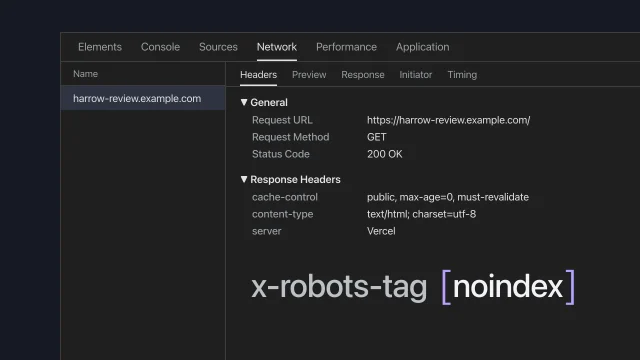 Put the review build onlineShare a draft site without search engines finding it.5 min video
 Keep secrets out of chats, repositories, files and deploymentsKeep keys and private notes out of AI chats, Git, uploads and the live site, and replace a key that gets out.3 min video
 Assemble the site without losing the contentBuild the whole site from an approved homepage without drifting from the manuscript.4 min video