Design · Aesthetary Original
Cut-outs and composite heroes
You'll be able to cut out a photo you're allowed to change and set it on a page without fake depth.
In this skill
Check that you may change it.
Cut it out
- Key out the plain backdrop
- Look at the mask
- Fill holes, pull the edge in
- Check the edge at full size
- A big soft drop shadow
- Light the photo never had
- Glow, blur or steam added
- Dark only where it touches
- On the photo's shadow side
- Nothing the photo didn't have
Cut out only what you may change, check the mask, shadow it where it touches.
1 more scene is in the video and the transcript.
Transcript
The Today's bread page needs a first picture, and the owner has a phone photo of the Country loaf on a sheet of baking paper. Cut out, the loaf can sit right on the page's own background. Done well, nobody notices. Done badly, it looks like a sticker.
Before you cut anything, check you're allowed to change it, because a cut-out is an altered photo. The owner took this one herself, and nobody's in it. Until she says yes to the change in writing, the manifest marks it unconfirmed, and it doesn't ship. A photo whose license says no derivatives can't be cut out and published at all. A supplier's product shot or a customer's photo needs their yes first.
The plain paper makes this easy. The script takes the paper's color from the border and removes everything that matches it, including the paper's own shadow. It keeps one piece: fifteen percent of the photo. Then look at the mask, not the result on the page. White is kept, black is gone. Along the top, specks of flour have been cut out as holes, a hundred and seventeen pixels of them, because flour is the color of the paper. Fill the holes, then pull the edge in one pixel and soften it over one, so no paper is left along it. At full size, the stepped edge is now smooth. Flour right on the edge, you fix by hand, or shoot again on darker paper.
The second photo, the loaf in its basket, fails outright. The script keeps thirty-four percent of the photo, more than twice the loaf alone: the basket is as brown as the crust, so it comes too. Use that photo whole, or not at all. Anything the color of its backdrop fails the same way: flour, steam, glass and shine.
Now place it. A big, soft drop shadow, the default in many tools, makes the loaf float above the page like a sticker. Give it a contact shadow instead: dark and tight where the loaf touches, gone a little way out. The photo's light came from the left, so the shadow leans right. And don't add light, steam or a glow the photo never had. That's a claim about the loaf, made with pixels.
Last, the manifest. The cut-out gets its own entry: which photo it came from, what was changed, and who allowed it. Months from now, that entry is how anyone knows whose loaf this is, and that moving it was allowed.
Cut out only what you're allowed to change. Check the mask, not the page. And give it a shadow only where it touches.
Next 4
Everything in Design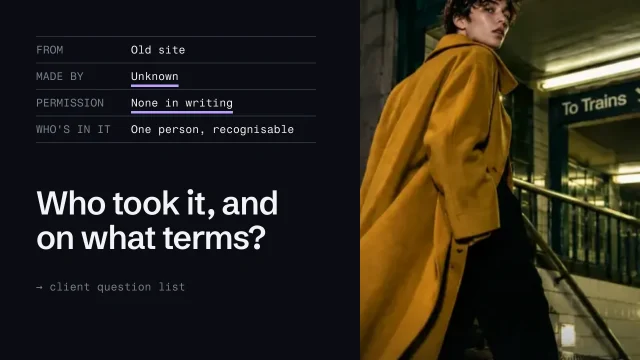 Check image rights and use AI imagery honestlyKnow which images you may use, and use generated images without misleading anyone.4 min video
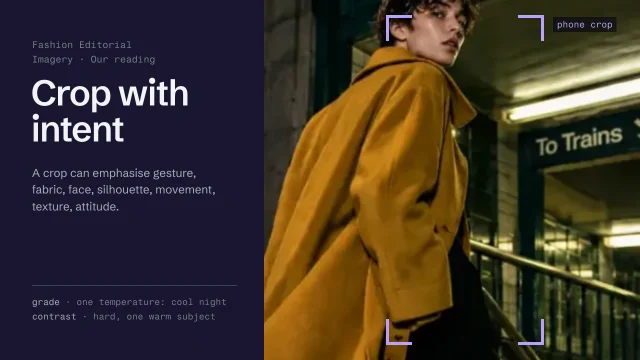 Direct imagery: subject, crop and gradeChoose and treat images so they say what the page says.4 min video
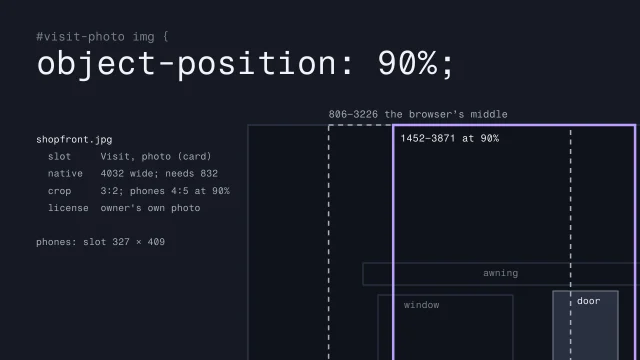 Is this image fit for its slot?Check each photo against the place it goes: its width, its grade, its crop at every width and its rights.3 min video
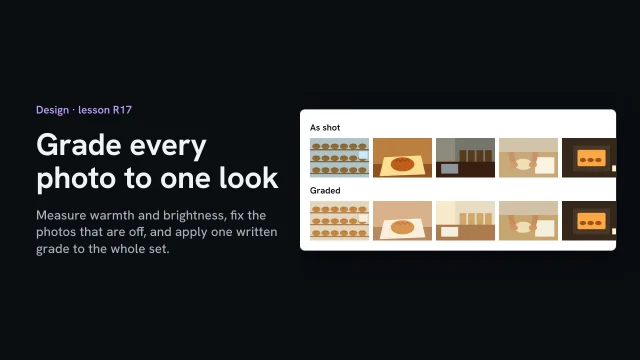 Grade every photo to one lookMeasure warmth and brightness, fix the photos that are off, and apply one written grade to the whole set.2 min video