Design · Aesthetary Original
Is this image fit for its slot?
You'll be able to check any photo against the place it goes, before it goes in: width, grade, crop, words and rights.
In this skill
Measure the slot, then the file.
Check every image against its slot: width, grade, crop, words and rights.
Transcript
The owner has sent three photos for two kinds of place on the site: the first image on Home, and a smaller photo on the Visit page. On her phone, all three look fine. Before any of them goes in, check each one against the slot it's for.
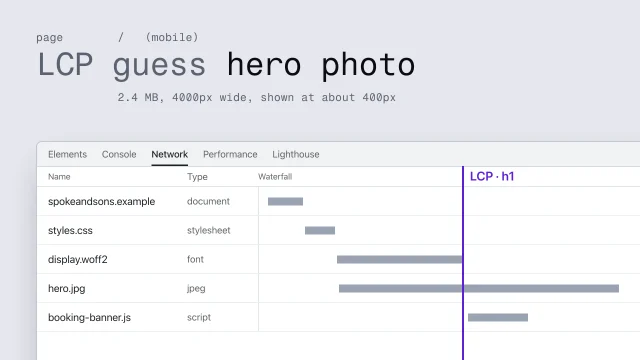
Start with the slot. On a desktop, Home's first image is drawn ten twenty-four pixels wide. Sharp screens use two pixels for each of those, so the file needs about twice that: two thousand and forty-eight. The queue photo came through a chat app, which shrank it to twelve-eighty. Stretched to fill the slot, it goes soft. So don't use the copy: ask for the original from her phone. That one is four thousand wide, with room to spare.
That's the first of five checks. Is it hero-grade, sharp enough to lead the page with the subject clear at a glance, or only card-grade, fine small? Does it crop well at every width? Are there words in it? And do you know where it came from, and its license?
The shop front is for the photo on Visit. That slot is four hundred and sixteen pixels wide, so the file needs eight hundred and thirty-two, and it has four thousand. On a desktop the crop is fine: awning, window and door. On a phone, the slot turns tall. The browser keeps the middle of the picture, and the door, the one thing a first-time visitor is looking for, is cut off. So set the phone crop yourself. One line moves the frame to the right, and the door is back. Write that crop in the manifest, so whoever touches the page next keeps it.
The third photo is the menu board, for the top of Today's bread. It has the pixels. But it's a picture of words. On a phone the slot crops the prices off. A screen reader can't read any of it. And it's wrong the day a price changes. The list on the page already does this job. Turn away a watermark, a screenshot passed off as a photo, and a placeholder still sitting in the hero on launch day, for the same reason. Each is easy to miss at a glance, so look for them on purpose.
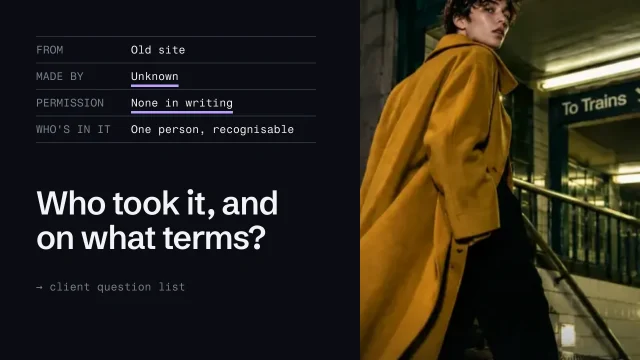
Every image gets an entry in the media manifest: its slot, its native width against what the slot needs, hero or card grade, the crop at each width, the source, the license and the status. A stock photo gets one too, with its license, and the file saved with the site, not linked from the stock library. Rejections stay in, with the reason.
A photo that looks fine on a phone can still fail its slot. Measure the slot and the file, check the crop at every width, and write it all down.
Next 4
Everything in Design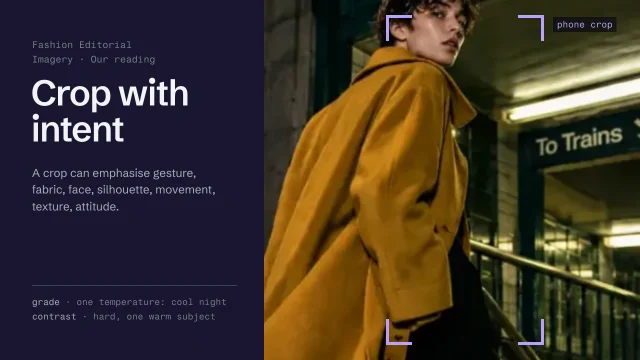 Direct imagery: subject, crop and gradeChoose and treat images so they say what the page says.4 min video
 Check image rights and use AI imagery honestlyKnow which images you may use, and use generated images without misleading anyone.4 min video
 Predict, measure and fix performanceFind what makes a page slow and fix it at its origin.4 min video
 Grade every photo to one lookMeasure warmth and brightness, fix the photos that are off, and apply one written grade to the whole set.2 min video