Test · Aesthetary Original
Predict, measure and fix performance
You'll be able to find what makes a page slow, learn from where your guess was wrong, and fix it where the slow thing is made.
In this skill
The gap between your guess and the result is the lesson.
The loop
- Predict: write down what's slow
- Measure: lab first, then field
- Learn the gap
- Fix it at the source
- Measure again
Write the guess down before you run the test. The gap is what you learn.
2 more scenes are in the video and the transcript.
The mechanics, from the source
These come from the organizations that make the tools. They teach how the tool works; the skill above is about when and why to use it.
Official resource · web.dev (Google)Official documentation · Guide
Web VitalsArticle · 10 min read
The three Core Web Vitals and their thresholds, measured on real visits.
Official resource · Google ChromeOfficial tool · Tester
LighthouseDocs · 5 min read
Running Lighthouse from DevTools, the command line or PageSpeed Insights.
Transcript
Run a speed test, fix whatever turns red, and you'll get a faster page this once. On the next project you'll be just as surprised.
There's a better loop, and it starts before any test runs. Predict what will be slow, and write it down. Measure. Compare the two, because the gap between your guess and the result is what you learn from. Then fix the slow thing where it's made, and measure again.
Here's a prediction for the bakery's homepage, on a phone. I think the queue photo at the top is the slow part, and loading will go over the line. The file is four thousand pixels wide and one point three megabytes, and on a phone it's shown three hundred and seventy-five pixels wide. I think nothing will jump, because the photo has its width and height. And there's little to tap on that page. That took two minutes. It's written down, so I can't quietly rewrite it once the results come in.
The three numbers are Google's Core Web Vitals, and Google sets what counts as good. Largest Contentful Paint is loading: two and a half seconds or less. Interaction to Next Paint is how quickly the page answers a tap or a keypress: two hundred milliseconds or less. Cumulative Layout Shift is how much things jump: point one or less. Google judges them at the seventy-fifth percentile of page loads, so most visitors need a good experience, including the ones on old phones.
Now measure. A lab test is one simulated load, so it works before anyone has visited, and it's good at pointing to causes. Here's the bakery's homepage, loaded five times on a phone with the connection and the processor slowed down. Loading takes seven point eight seconds, three times the line, and the largest element is the queue photo. Layout shift is point zero three, under the line. Responsiveness needs someone tapping, so one lab load can't judge it. Try the buttons yourself, on a phone. Real visitors' data covers the last twenty-eight days, and before launch there isn't any. So read the lab result as evidence about causes, not as a grade.
Then compare the guess with the result. The photo, as I guessed, and loading well over the line. Jumping: I guessed none, and the text moved a little when the fonts arrived. It's under the line, but my picture of the page missed it, so it goes in the log. Responsiveness I'll test by hand. And next time, I'll check the fonts first.
Most fixes make the slow thing smaller, or make it arrive after the things that matter. Google's own guides are specific: give images a width and height so their space is reserved, reserve space for anything that arrives late, never lazy-load the main image, and don't let the font hold the text back.
Then fix it where it's made. Every photo on the site goes through one small image helper, and right now it sends out the file that came in. So it was never only the queue photo's problem. Fix it there. Each photo now comes in two widths, eight hundred and sixteen hundred pixels, and the browser picks the one it needs. It keeps its width and height, so the page saves room for it. The hero loads straight away with high priority, and everything else waits until it's needed. Write it once, and no page can forget. Then measure again, against a new guess written first: under two and a half seconds, because the photo now arrives at the size it's shown. Loading now takes half a second. The small jump from the fonts is still there, under the line, and it's logged.
Write the guess down before you run the test. The gap between them is what you learn, and the fix belongs where the slow thing is made.
Next 3
Everything in Test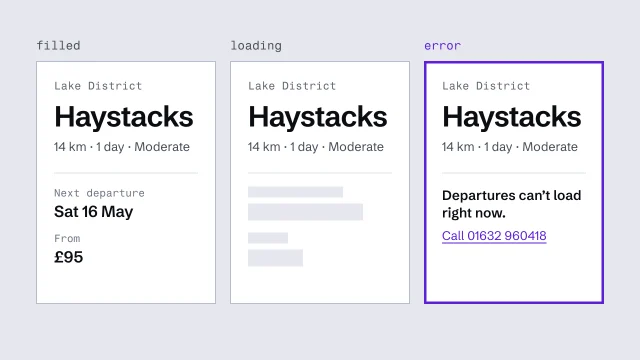 Build components from content slots, with every stateDerive components from the content model and finish every state they can be in.3 min video
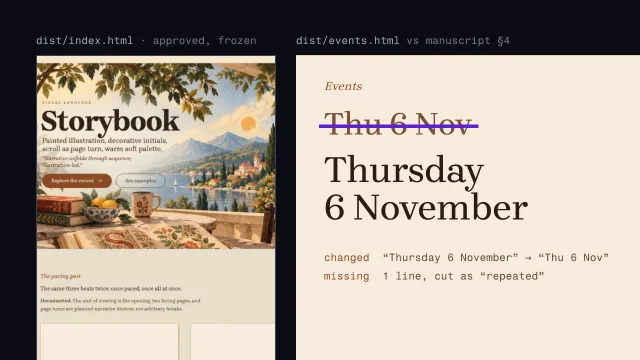 Assemble the site without losing the contentBuild the whole site from an approved homepage without drifting from the manuscript.4 min video
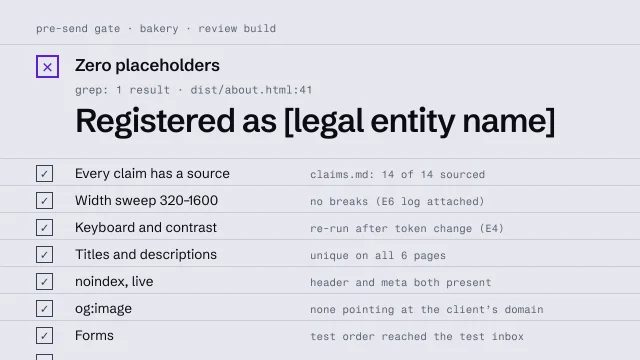 Run a pre-send gateCheck a build against a fixed list before anyone outside sees it.4 min video