Prepare · Aesthetary Original
Open a local preview at three widths
You'll start a local preview on its own port and look at it at 1280, 768 and 375.
In this skill
One project, one port
Own port per project; look at 1280, 768 and 375 every time.
Transcript
Everything you decide from here on, you'll judge in a preview: the site running on your own computer. So start one now, and give it a port of its own.
The AllWeb project has three previews, and each has its own port, written in the project's launch file: the site on 4637, a photo grading review on 4641, and a component lab on 5612. Start the site's preview with one command. It answers at localhost, on port 4637. Here's why the port is written down. Start a second preview on the same port, and this tool quietly takes a random one instead. With two projects open, your bookmark shows whichever one got there first.
Now open it and look at three widths. 1280, a laptop. 768, a tablet. 375, a phone. At each one, check that the headline, the date and the ticket button are on the first screen. Three widths are for looking, not testing. The Test phase sweeps every width in between. The lesson on browser tools shows the responsive view used here.
Run the site on your own computer, on a port of its own, and look at 1280, 768 and 375 every time you change something.
Next 3
Everything in Prepare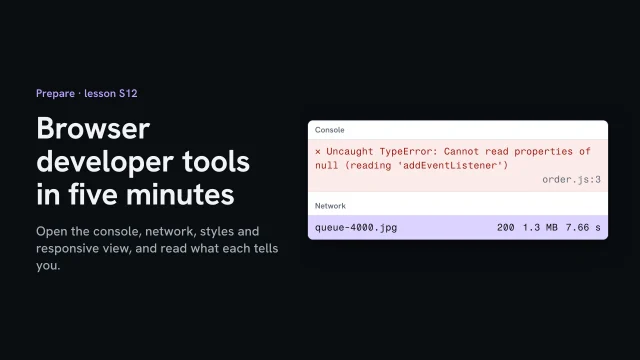 Browser developer tools in five minutesOpen the console, network, styles and responsive view, and read what each tells you.4 min video
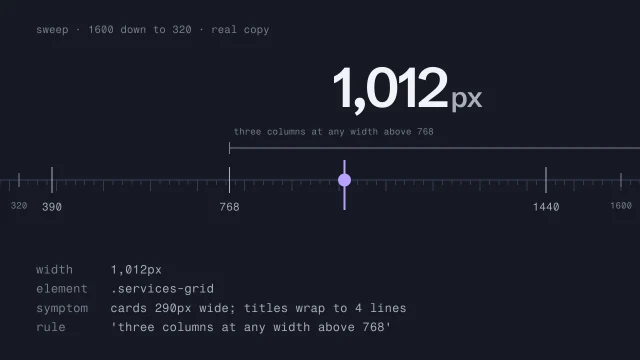 Test responsive behavior across every widthFind the exact width where a layout breaks.3 min video
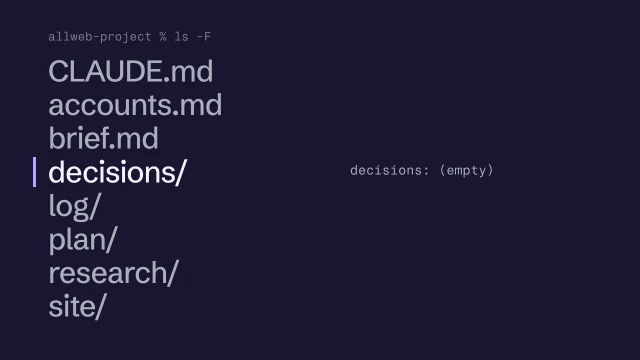 Organize the project folderGive the brief, research, plan, decisions, AI log and site one place each, with the real files in and secrets out.2 min video