Build · Aesthetary Original
Build accessibility in from the first page
You'll be able to build landmarks, headings, a skip link, visible focus and reduced motion into the first page, and check them.
In this skill
Respect a request for less motion.
Build the structure first
- Landmarks, with names
- One H1, H2s in order
- A skip link to main
- A ring on every focus
Build landmarks, headings, a skip link and focus into the first page, then check it.
Transcript
On my speculative AllWeb redesign, the first thing a keyboard reaches is a link most visitors never see: Skip to content. It's built into the first page, because accessibility costs little to build in and a lot to add later. Here are the parts to build in, and a quick way to check each one as you go.
Start with landmarks. A header, the main navigation with a name, one main, and a footer with its own named navigation. A screen reader lists them, so someone can jump straight to the part they want. Controls get names in words, too: the menu button shows three bars, so it also carries the word Menu for screen readers. Then the headings. One H1, and an H2 for each section, in the order they appear on the page. Read alone, the outline should work like a table of contents. One H2 is hidden on screen: the quotes have no visible title, so a screen reader still gets one. Now put the mouse away and press the Tab key. The skip link appears first, then the logo, then the menu, each with a clear ring around it. Keep going until you've been round the whole page once. Press Enter on the skip link, and the next Tab lands on the ticket button inside the main content. That ring is one rule for everything you can focus: a two pixel cream outline with a dark edge around it. It shows on the light sections and the dark ones alike.
Motion gets the same care. When someone has asked their device for less motion, the stylesheet turns off every transition and hides the moving bands. The script reads the same setting too.
Write these into the builder brief, so every page the builder makes starts with them. Then check the first page before you build the next: tab through it, and read its heading outline. The test phase checks the whole site later, with a screen reader.
Build landmarks, headings, a skip link and focus into the first page, then check it.
Next 3
Everything in Build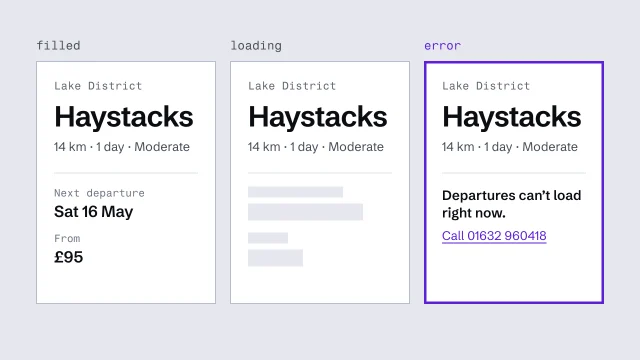 Build components from content slots, with every stateDerive components from the content model and finish every state they can be in.3 min video
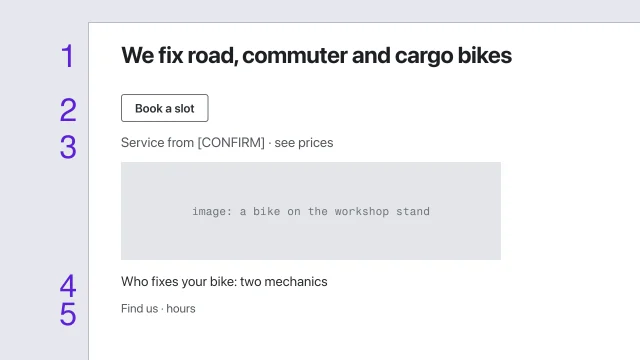 Wireframe for hierarchy before styleSolve a page's structure before any visual style is applied.3 min video
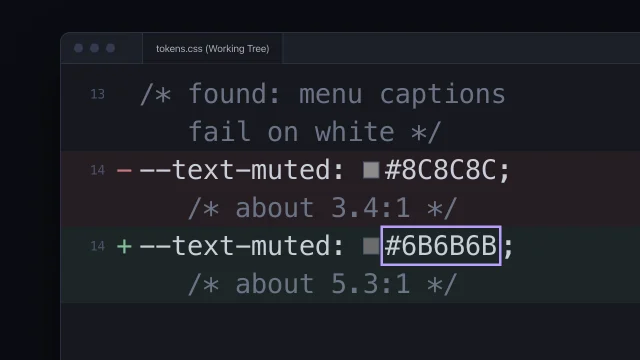 Fix accessibility at the sourceFix an accessibility failure where it starts, not with a patch on top.5 min video