Test · Aesthetary Original
Security and privacy basics before you send
You'll be able to run five security and privacy checks on a review address and write down what you found, and what to ask.
In this skill
Every request on a secure connection.
Nothing private in what's served
- Search for key, secret, token
- Read every hit
- Ask for files never served
- Each must answer not found
Read what the site sends, search what it serves, and write questions down, not verdicts.
1 more scene is in the video and the transcript.
Transcript
You don't need to be a security engineer to catch the common mistakes. Five checks, run on the review address, each written down: the headers the host sends, nothing private in what's served, secure connections everywhere, what the page collects, and who it talks to.
Start with the headers. Ask the address for them, and say in one line what each one does. This one tells browsers to use a secure connection only, for two years. This one stops other sites showing the page inside theirs. This one shares only the domain when a visitor follows a link away. This one switches off the camera, microphone and location. And the content policy lets the page load scripts, styles, fonts and images from its own address, and nowhere else. They're set once, in the project's settings file, so every page gets them.
Next, nothing private in what's served. Download the files the page uses, and search them for key, secret, token and password. One hit. Read it before you panic: it's a comment about design tokens, measured from AllWeb's own campaign art. Then ask for the files that must never be served: the environment file where keys live, the version history, the link to the host, and the brief. Each one answers not found.
Third, a secure connection everywhere. Plain http answers with a permanent redirect to https. Then search the served files for addresses that start with plain http. Two, both labels inside a small drawing in the stylesheet, not requests.
Fourth, what the page collects. One form, the sign-up, and the link check showed it sends nothing yet. The page's own script sends nothing either. The only one that reports anything is the host's visitor count. Last, who the page talks to: nobody else, and the content policy holds it to that.
Write each check into the QA record, with how you ran it. Anything that needs a lawyer or the client goes down as a question, not an answer. Once the sign-up is live, who gets the addresses, and what does the privacy notice say? That's for AllWeb to decide, with someone qualified.
Read what the site sends, search what it serves, and write questions down, not verdicts.
Next 3
Everything in Test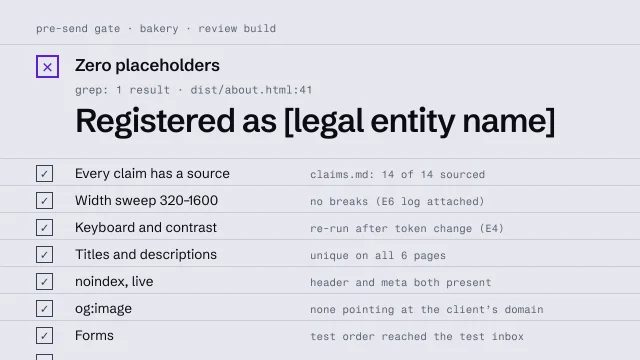 Run a pre-send gateCheck a build against a fixed list before anyone outside sees it.4 min video
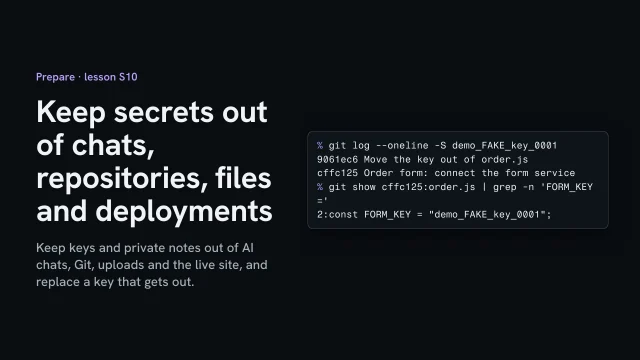 Keep secrets out of chats, repositories, files and deploymentsKeep keys and private notes out of AI chats, Git, uploads and the live site, and replace a key that gets out.3 min video
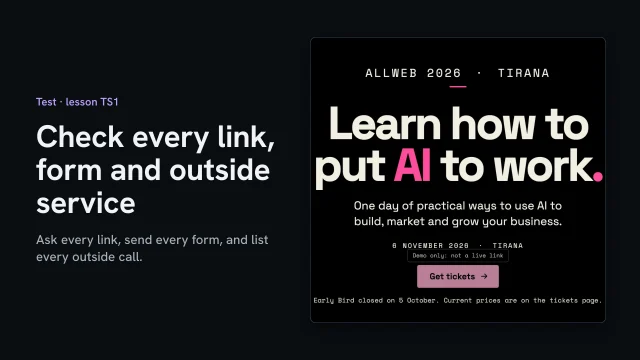 Check every link, form and outside serviceAsk every link, send every form, and list every outside call before you send.3 min video