Build · Aesthetary Original
Use motion with restraint
You'll be able to decide which motion a page needs, make sure it works without any, and write a motion spec an agent can build.
In this skill
Design the frame the page comes to rest in first.
- Sections fade up on scroll
- Headline letters fly in
- Parallax on the hero photo
- A bouncing order button
- The quantity changing
- ‘Few left’ appearing
- A panel opening from a tap
- A step indicator moving on
Design it still, then add only motion that explains.
2 more scenes are in the video and the transcript.
The mechanics, from the source
These come from the organizations that make the tools. They teach how the tool works; the skill above is about when and why to use it.
Official resource · MDN (Mozilla)Official documentation · Documentation
prefers-reduced-motionDocs · 6 min read
The prefers-reduced-motion media query, with an example and where users switch it on.
Transcript
Ask an agent to add some animation and it'll fade in every section as you scroll. Ask what each movement is for, and most of it disappears.
Start with the resting frame: what the page looks like when nothing moves. It's what people look at most, what a screenshot captures, and what someone gets when the script fails or reduced motion is on. The common failure is content kept invisible until a script fades it in. When the script doesn't run, the content isn't there.
Here's the bakery's order page with the motion an agent adds when you ask for animation. The photo drifts as you scroll, and the order button bounces. Now motion that explains something. Tap plus, and the new number slides in, so you see what changed. When the Seeded rye runs low, its few left badge fades in, so you notice. That's the sort to make. Decoration moves because it can. Explanation shows a change the visitor needs to follow. Keep the second pile, and cut most of the first.
When you're not sure, ask four questions. What changes here that the visitor needs to follow? Would anyone miss it if it went? Does it make anyone wait? And does the page still work with it switched off? A move that fails the last one isn't finished.
Reduced motion matters for a specific reason. MDN notes that scaling or panning large objects can trigger discomfort for people with vestibular motion disorders. They can switch on a reduce motion setting in their system's accessibility settings, and your page can read it with a media query called prefers-reduced-motion.
Reduced doesn't have to mean none. Here's the quantity change at full motion: the new number slides down into place and fades up. With reduced motion on, the slide goes and the fade stays, so the visitor still sees the number change. The parallax and the bounce simply switch off. Write the reduced version at the same time as the full one.
Write each movement down before anyone builds it. One row per element: what triggers it, what it explains, the motion in numbers, the reduced version, and what happens if the script never runs. Add a never line for the moves you've ruled out. An agent given this builds one transition. An agent told to make it feel alive builds twenty.
Then test it three ways. Switch on reduced motion in your own system settings and use the page. Turn JavaScript off and reload: everything that was waiting to fade in should still be there. Then scroll fast and take a screenshot halfway down. Text caught half-transparent is what a fast scroller sees.
Design the page still, and make sure it works that way. Then add only the motion that explains something, and give each move its reduced-motion version from the start.
Next 4
Everything in Build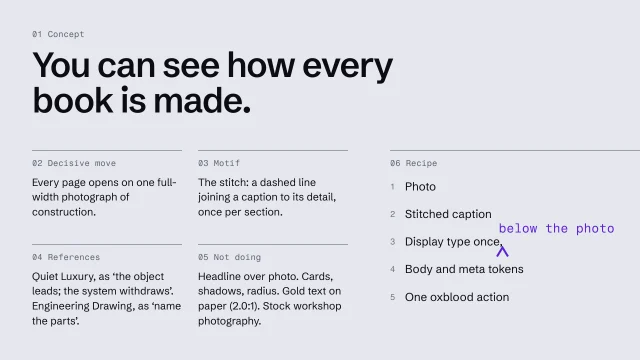 Write an art-direction brief that survives the buildWrite a direction down so precisely the build can't drift from it.4 min video
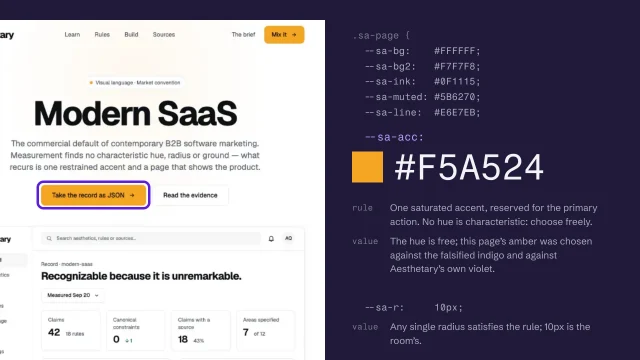 Turn the direction into a specification and tokensExpress a direction as a specification and named tokens a builder can check against.4 min video
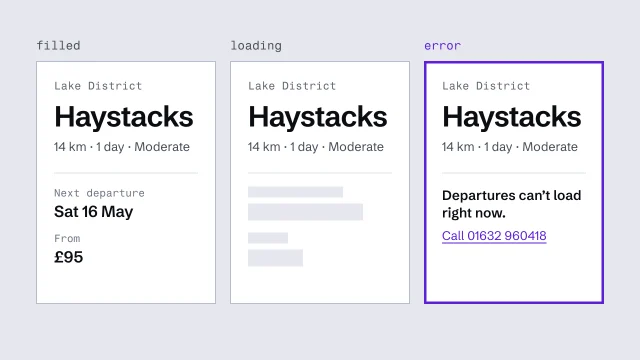 Build components from content slots, with every stateDerive components from the content model and finish every state they can be in.3 min video
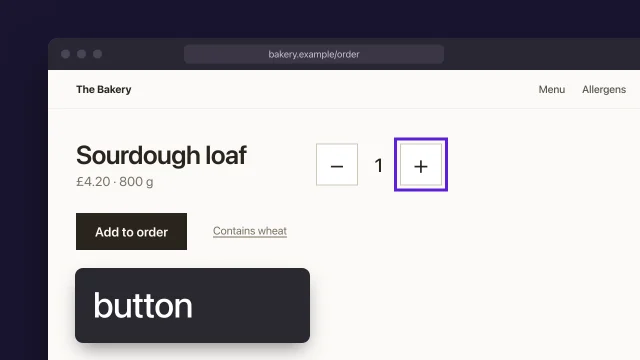 Test a page with keyboard and screen readerFind the accessibility failures only a person can find, with a keyboard, a screen reader and zoom, and record each one as your own check.4 min video