What works so far
Everything below works today. It’s free, and only Projects needs an account. Where something is limited, the card says how. Anything not on this page isn’t promised.
The work, in order
A website made with AI goes through these stages. Every stage has a page that says what it needs, what it makes and what it hands on, and each one ends in files you keep in your project. Prepare comes first if you’re new to working with a coding agent.
Available now
-

106 skills
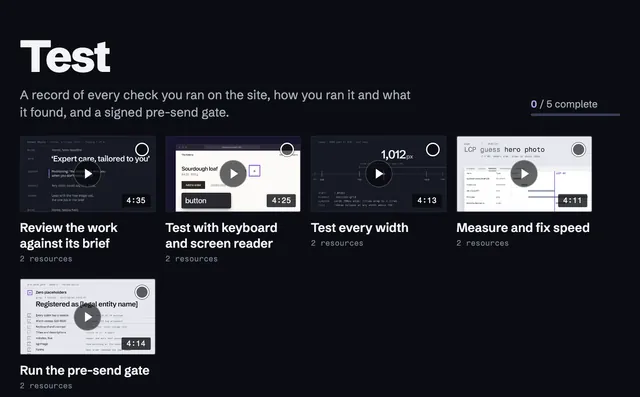
Skills grouped by stage. 103 are short video lessons with captions, most of them narrated, and two more are by a contributor; one links to the official guide from the people who make the tool.
-
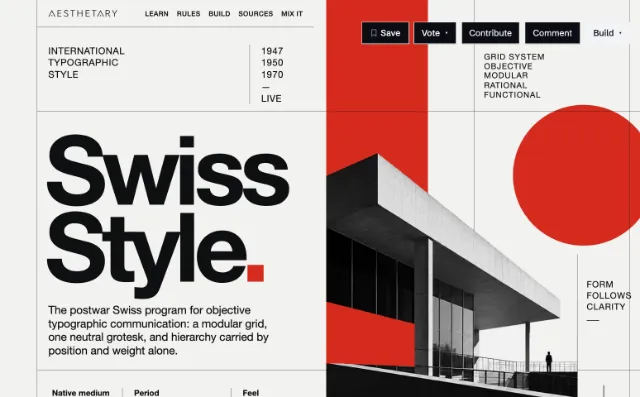
28 Aesthetics ready to build
Visual languages with structured rules, the evidence behind each rule, and a brief to download for your coding agent.
-
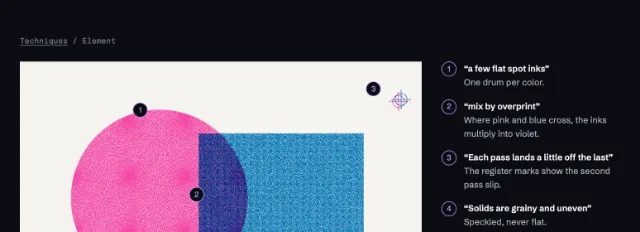
Elements
The parts Aesthetics are built from, such as a grid, a print effect or a surface, each drawn as a specimen you can study.
-
Site checker
Type your site’s address once, then open five free testing tools with it filled in, for speed, accessibility, markup, links and security headers.
-
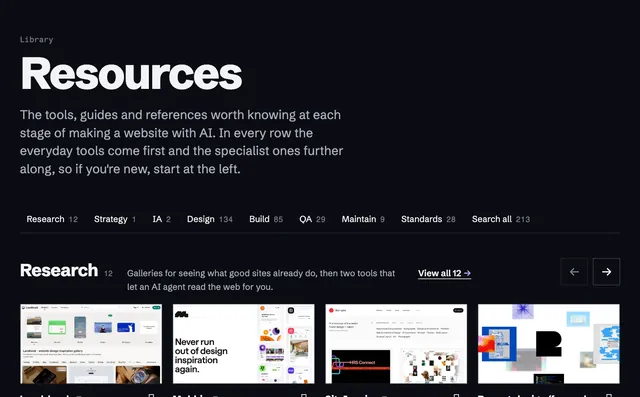
233 resources
Tools, testers and official documentation for each stage, with notes on cost, licensing and upkeep.
- Who it’s for
- A route through the stages for your role, whether you design, build, run a business or teach.
- Saved
- Save skills, Aesthetics, site patterns and resources as you browse. They’re kept in this browser and don’t move between devices.
- Briefs and data
- Every Aesthetic as a Markdown brief for a coding agent and as a JSON file with each claim and its sources.
- Feedback
- The Feedback button on every page takes a note about the page you’re on. No name needed.
Experimental or limited
These work, with a limit stated on each card.
-
IA Library
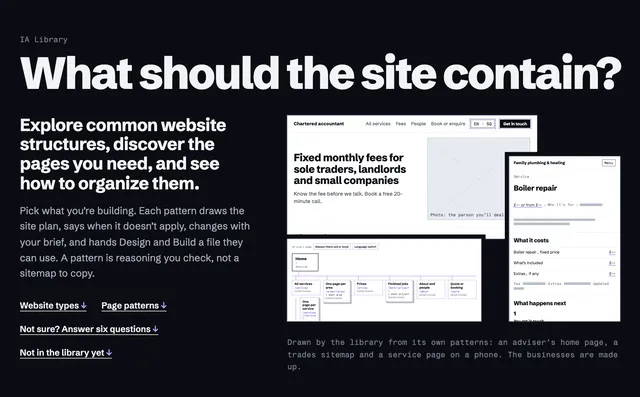
Plans for common kinds of website: which pages a site needs, in what order, and what each page has to do.
Two patterns have been built in code and tested. The rest are reasoned from research and haven’t been tested on a real site yet.
-
Cultural review
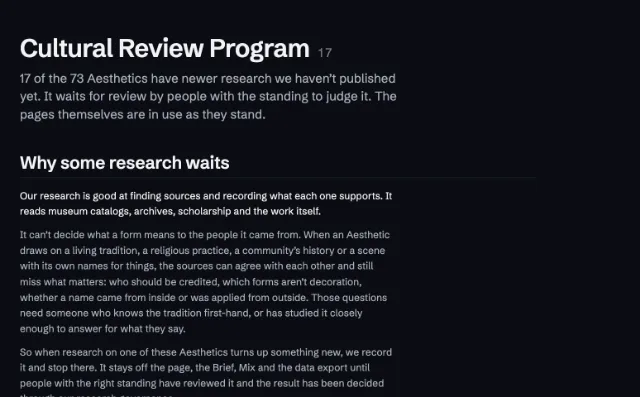
17 Aesthetics come from specific cultures and communities. New research on them waits for review by people with standing in those traditions, and you can offer to be one of them.
Their pages stay open while the review happens.
-
Votes
On each Aesthetic page you can say how well the page gets its language right, from love it to hate it.
Counts are public; which browser voted which way is not.
Accounts and Talent
Both were listed here as planned. Both are open now.
- Accounts. Free, with an email address. Your ticks, worksheets and projects on every device you sign in on. Create an account
- Talent. Profiles that show the websites someone has built. Talent
Tell us what you notice, what confuses you and what you’d change: write to us, or use Feedback at the edge of the page.